Connect onWebChat with Grav
Add live chat to your Grav website in seconds with onWebChat and start engaging directly with your visitors and customers.
Grav Plugin Installation Guide
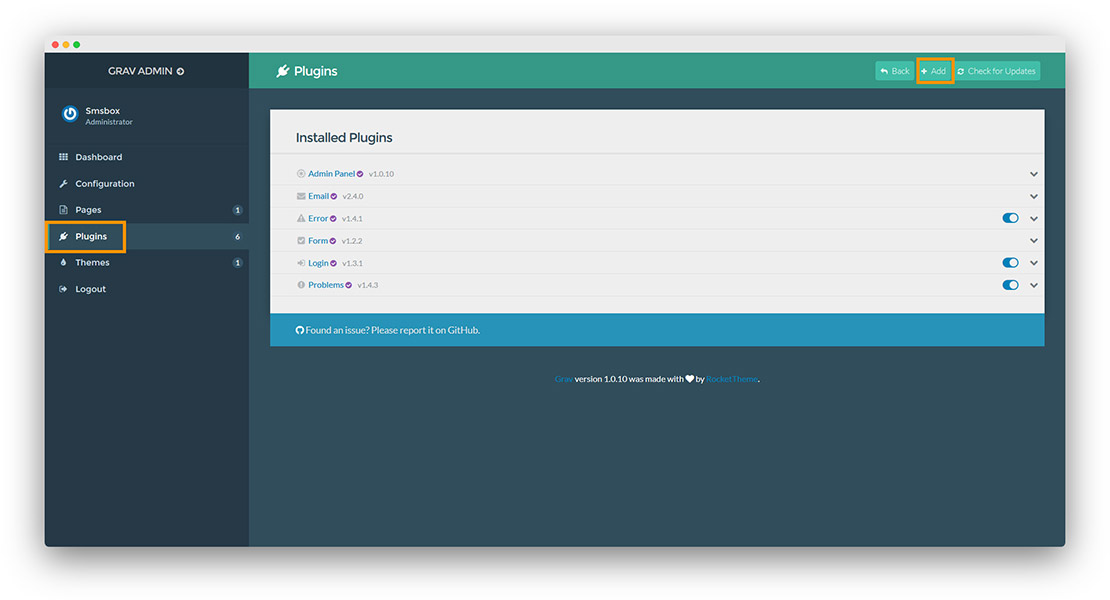
Step 1 In Grav Admin, click Plugins on the left, then the Add button.
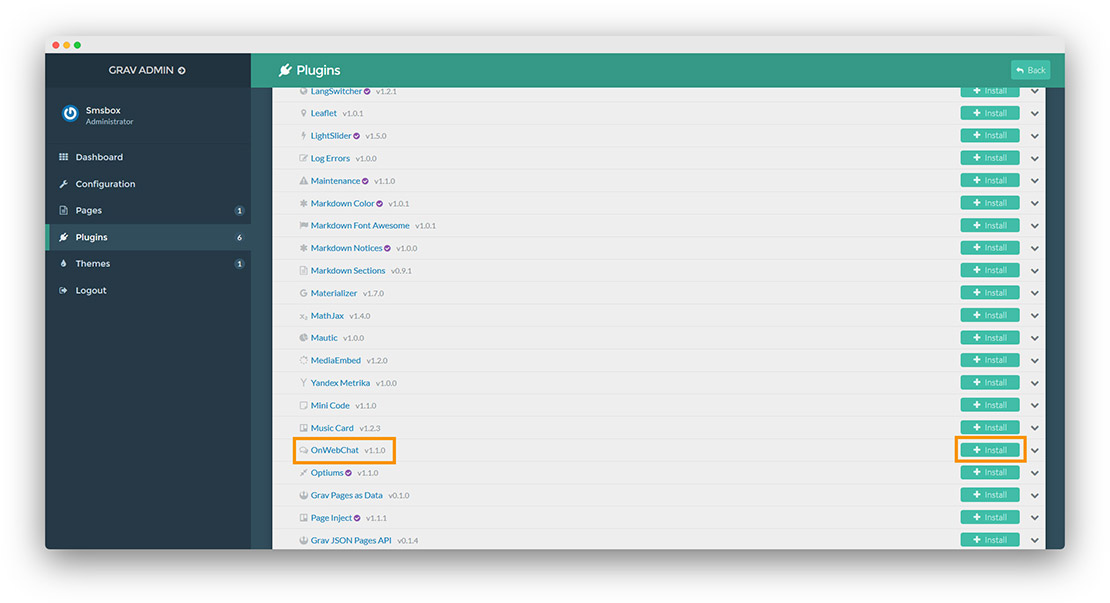
Step 2 Search for the onWebChat plugin and click Install.
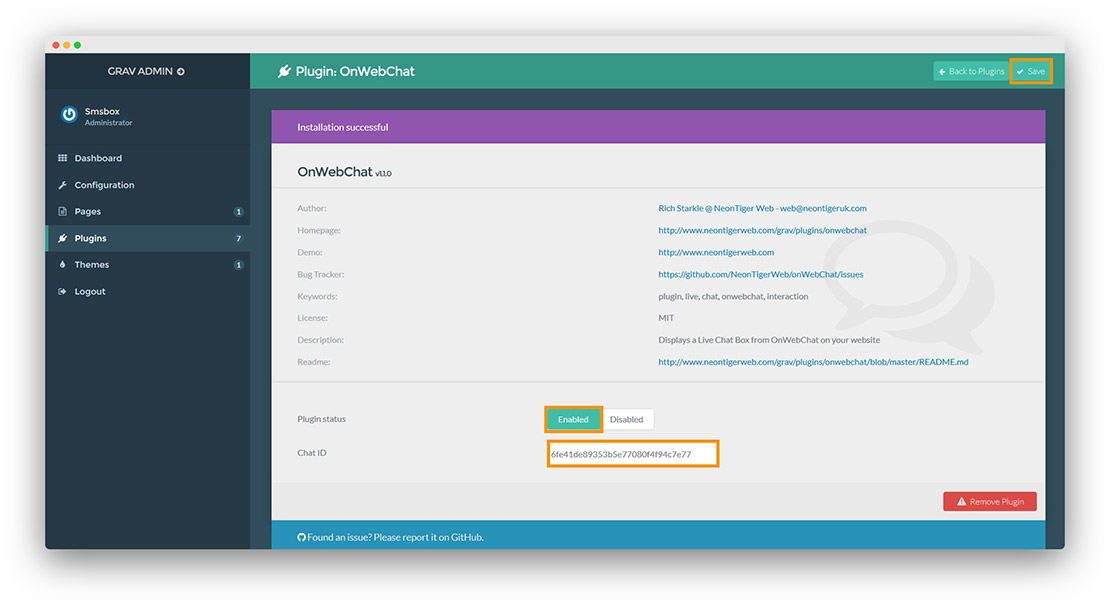
Step 3 Paste your Chat ID and click Save.
Don't have a Chat ID yet? Create a free onWebChat account, then copy your Chat ID from Settings > Widget > Installation in your dashboard.
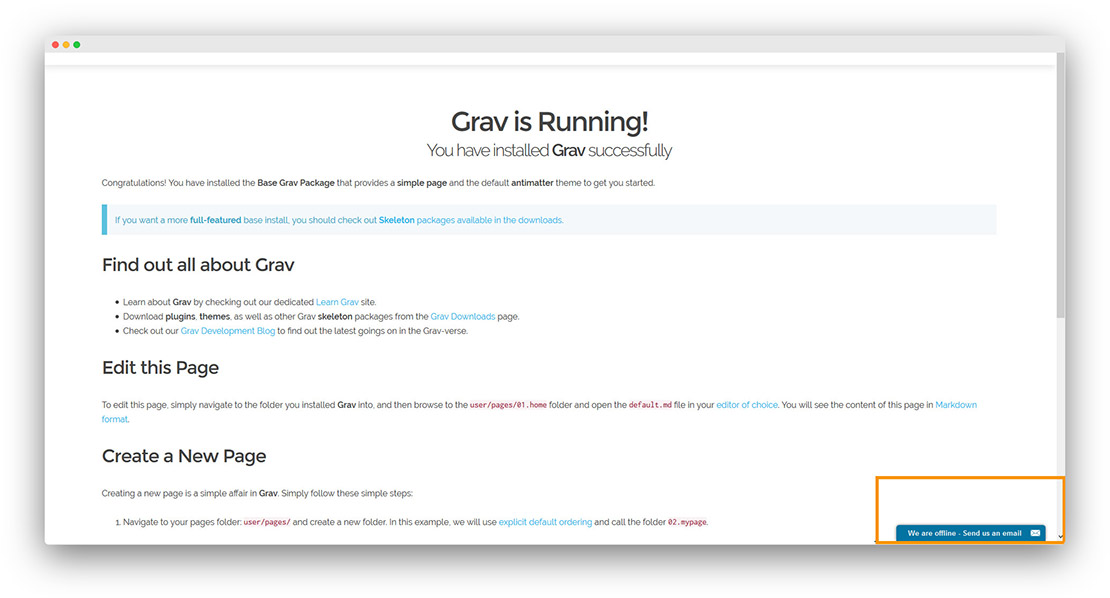
Done! Your live chat widget is now active on your Grav site.
* If you don't see the chat window, edit user/plugins/onwebchat/onwebchat.php and on line 38 replace active_default with default_active. If you have any questions, please contact us.
We would like to thank NeonTiger Web for creating this plugin.