Connect onWebChat with osCommerce
Add live chat to your osCommerce store in minutes. Paste the onWebChat widget code into your site and start engaging directly with your customers.
osCommerce Live Chat Installation Guide
Step 1 If you haven't already, create a free onWebChat account.
Step 2 Copy the onWebChat widget code from your registration email, or from Settings > Widget > Installation in your dashboard.
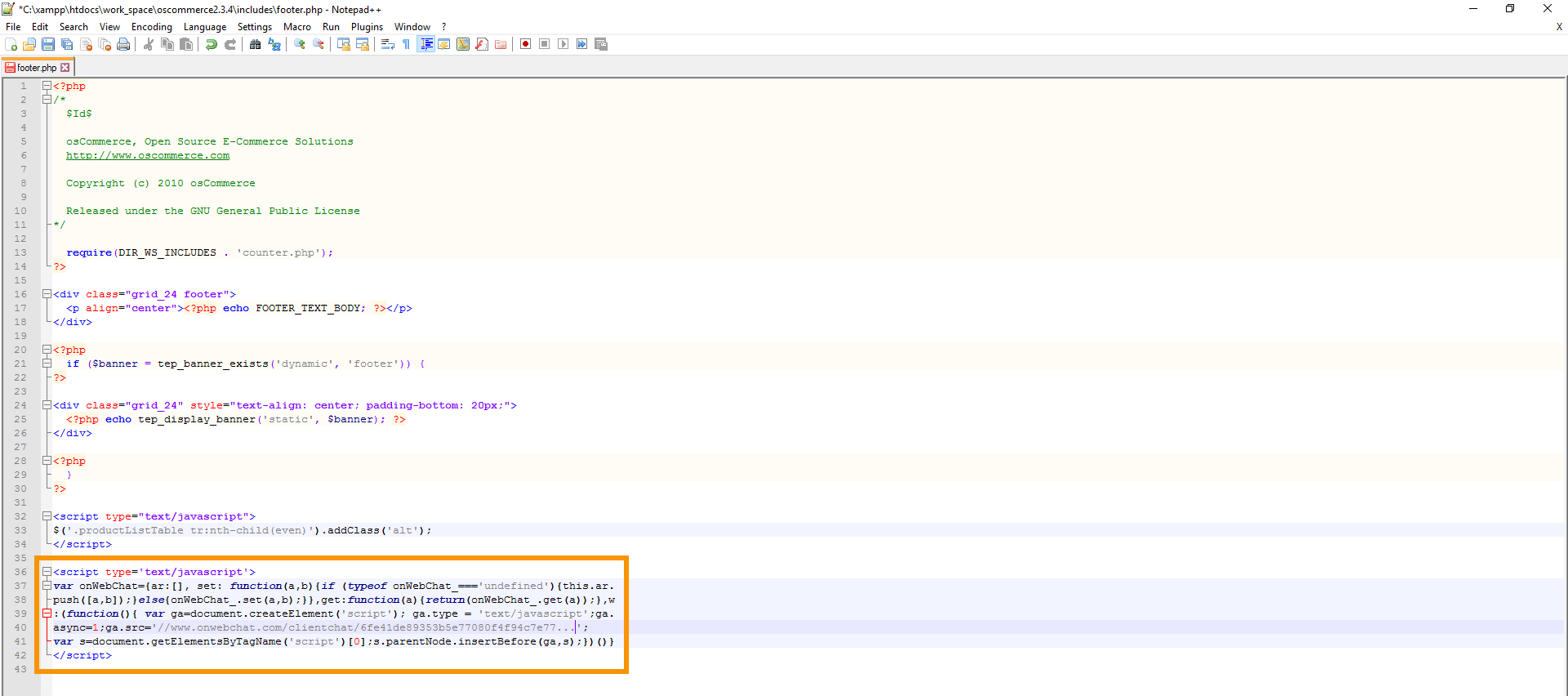
Step 3
Open the includes/footer.php file in your osCommerce installation folder. Paste the widget code at the bottom of the file, just before the closing tags.