Live Chat Shortcuts
Shortcuts are saved replies you can create and manage in onWebChat. They help your team respond faster while keeping every conversation clear, consistent, and professional.
How to Use Shortcuts
For example, instead of retyping the same greeting in every new conversation, you can insert the right shortcut instantly and send it with confidence.
Use Shortcuts During a Chat
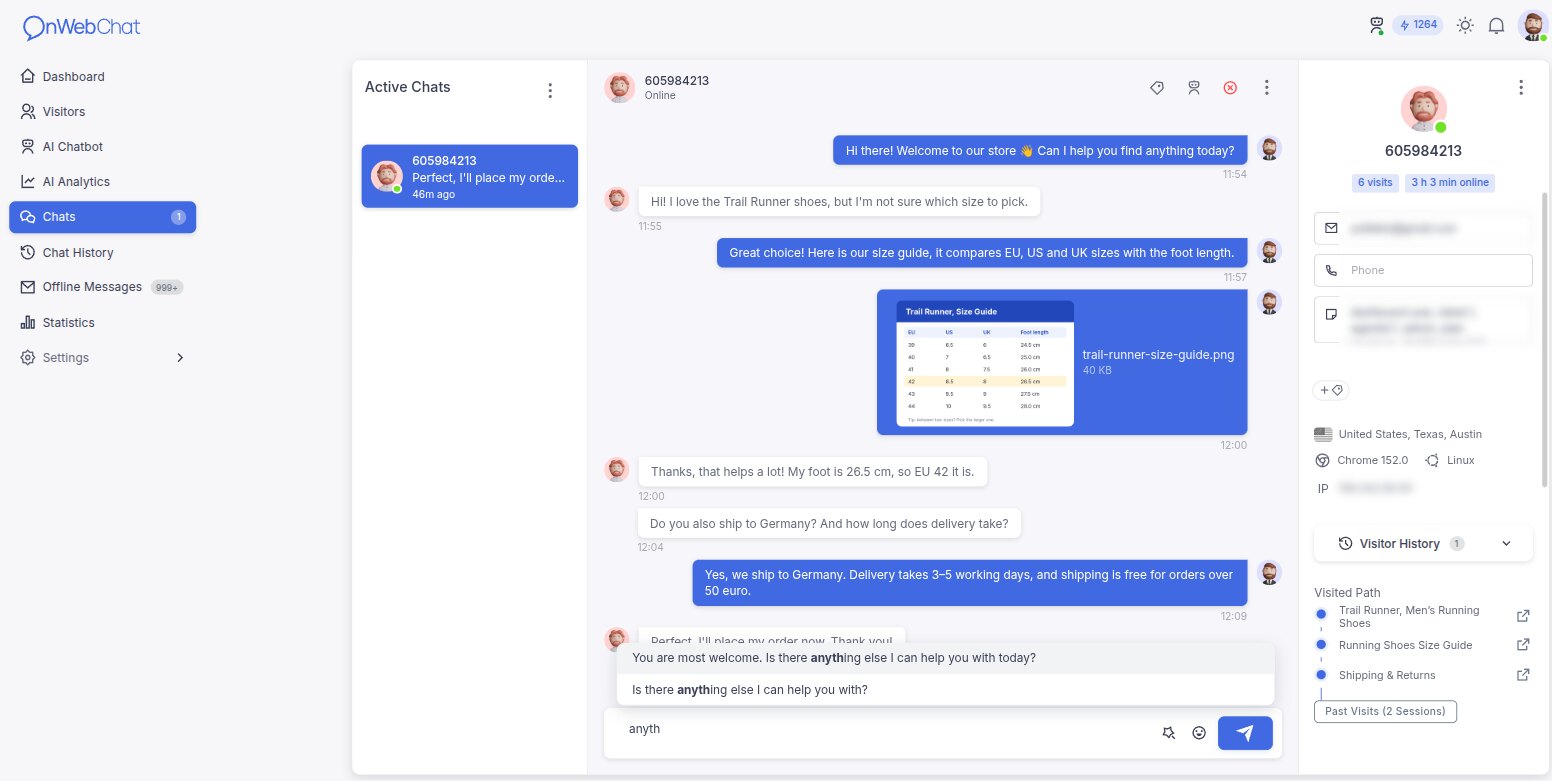
Example: you saved a shortcut that says, "Good morning, how can I assist you today?"
While chatting, type a few characters (for example, "good" or "assist"). onWebChat suggests matching shortcuts so you can select and insert the full response.
Create and Save New Shortcuts
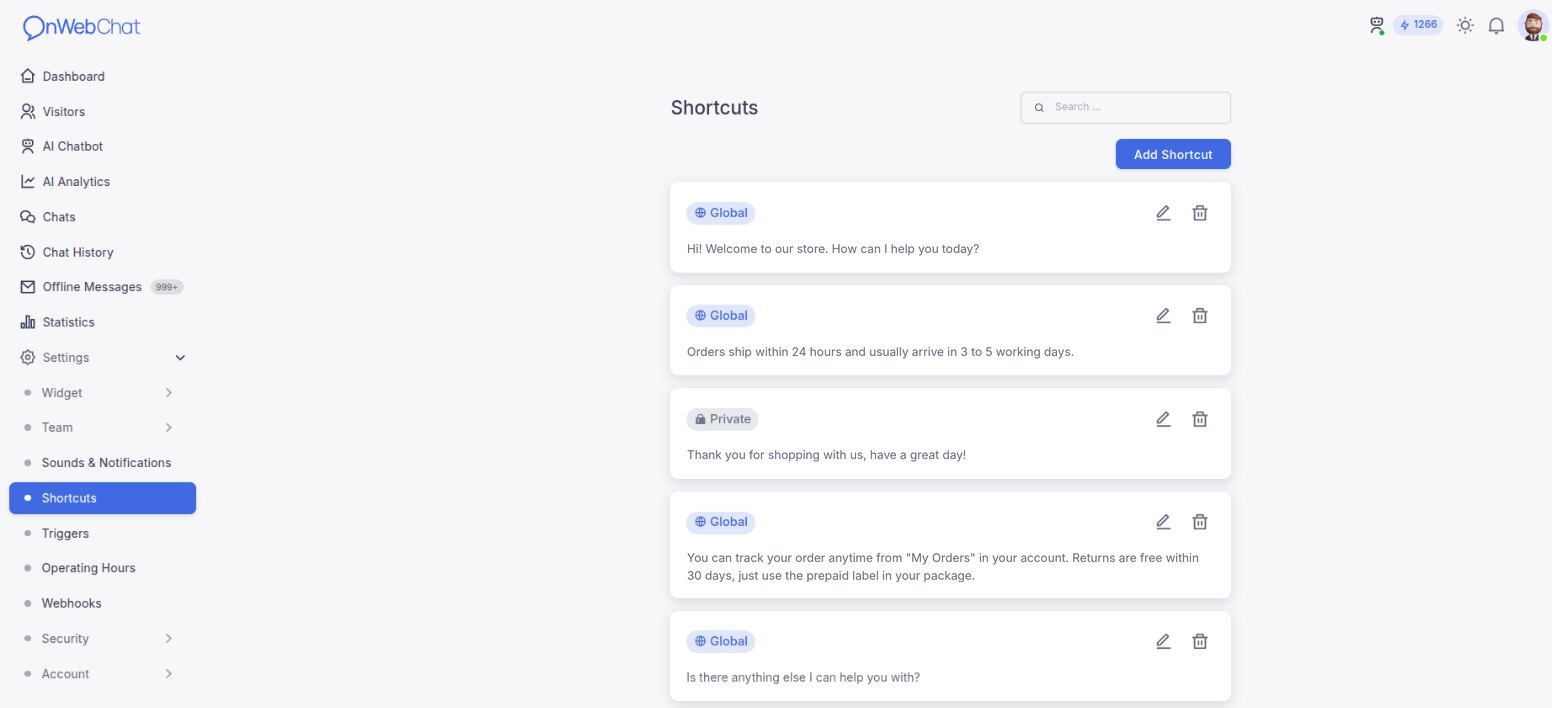
To create a new shortcut:
- Go to Settings
- Open Shortcuts
- Click the Add shortcut button
- Enter your shortcut message and click Save
Share Shortcuts with Your Team
If multiple agents handle chats, enable the Global checkbox when saving a shortcut. This makes the shortcut available to everyone on your account.
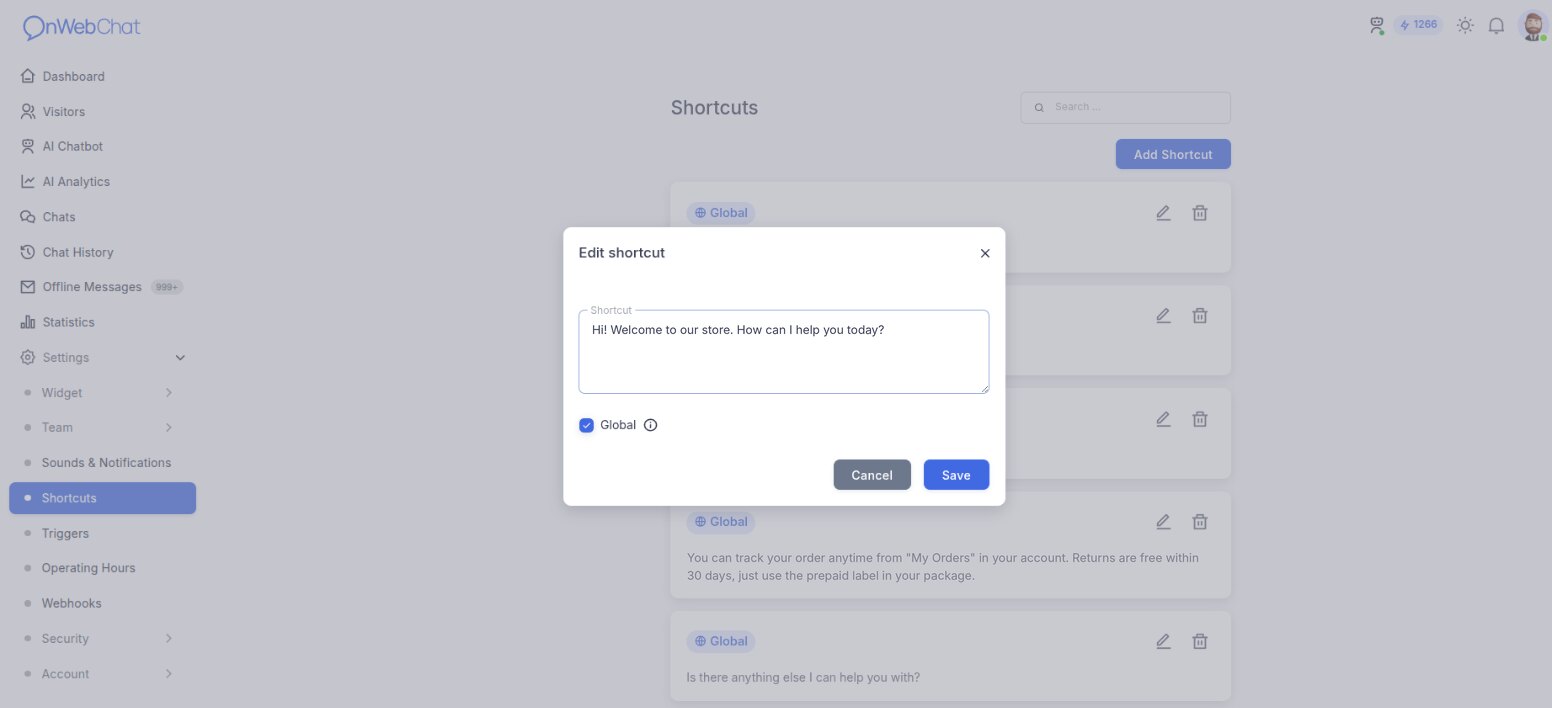
Each shortcut is stored as soon as you click Save in the shortcut window, so there is nothing else to save before you leave the page.